Ever wondered if your motherboard truly makes a difference in your gaming experience? Many gamers, especially busy adults balancing work and life, often prioritize CPUs and GPUs, overlooking the foundational role of the motherboard. This comprehensive guide, optimized for 2026 gaming trends, delves into the nuances of how a motherboard, while not a direct FPS booster, is absolutely critical for system stability, unlocking component potential, and future-proofing your gaming rig. We will explore key features like VRMs, PCIe 5.0, DDR5 support, and robust connectivity that silently underpin a smooth and enjoyable gaming session. Understanding these aspects helps you make smart upgrade decisions, avoid bottlenecks, and get the best value for your hard-earned money without succumbing to unnecessary hype. Discover why the answer to 'does motherboard make a difference in gaming' is a resounding yes, ensuring your precious gaming time is spent playing, not troubleshooting.
How essential is the motherboard for gaming performance in 2026?
The motherboard is critically essential in 2026, acting as the backbone for your entire gaming PC. While it doesn't directly boost FPS, it dictates compatibility for your CPU, GPU, and RAM, provides stable power delivery, and determines the speed of data transfer between components via PCIe lanes and M.2 slots. A high-quality motherboard ensures your cutting-edge hardware can perform without bottlenecks, providing the stability and speed crucial for modern gaming, social interaction, and future upgrades for the average gamer.
What motherboard features should a gamer prioritize?
Gamers should prioritize robust VRMs (Voltage Regulator Modules) for stable power delivery, at least one PCIe 5.0 x16 slot for the latest GPUs, and support for DDR5 RAM for optimal memory performance. Fast M.2 slots (PCIe 4.0 or 5.0) for NVMe SSDs are vital for quick game loading. Additionally, modern connectivity like USB 3.2 Gen 2x2, 2.5 Gigabit Ethernet, and Wi-Fi 6E or 7 are crucial for seamless peripheral use and online multiplayer experiences.
Can a cheap motherboard limit my high-end CPU and GPU?
Yes, a cheap or low-end motherboard can absolutely limit the performance of your high-end CPU and GPU. It often comes with weaker VRMs that can't supply consistent power, causing your CPU to throttle. It might also lack sufficient cooling for the chipset, offer fewer or older PCIe lanes (like PCIe 3.0 instead of 5.0), and provide outdated connectivity. These limitations create bottlenecks, preventing your expensive components from delivering their full potential and resulting in a subpar gaming experience.
When is it truly time to upgrade my gaming motherboard?
It's truly time to upgrade your gaming motherboard when you're replacing your CPU with a new generation that requires a different socket type (e.g., moving from an Intel 11th Gen to 14th Gen, or AMD AM4 to AM5). Another key indicator is if your current board lacks support for essential new technologies like PCIe 5.0 (for future GPUs/SSDs) or DDR5 RAM, preventing you from utilizing the latest, fastest components. If you're experiencing frequent stability issues or lack necessary connectivity, it's also a strong signal.
Does the brand of my motherboard make a difference for gaming stability?
While major motherboard brands (ASUS, MSI, Gigabyte, ASRock) all produce capable boards, the brand can make a difference in terms of BIOS quality, software ecosystem, customer support, and sometimes component reliability, all impacting stability. Reputable brands often have more mature BIOS/UEFI interfaces, frequent updates for better compatibility, and generally higher quality VRM components and cooling, which contribute to a more stable and reliable gaming system, especially under load or with overclocking. Researching specific model reviews from trusted sources is always recommended.
How Does a Motherboard Influence Your Gaming Experience?
While a motherboard won't directly boost your frames per second, it acts as the central nervous system for your entire gaming rig. It dictates what CPU and RAM you can use, how many storage drives you can connect, and the speed at which your graphics card and SSDs can communicate. A quality board ensures stability, allows for effective power delivery to hungry components like your CPU, and provides crucial connectivity for peripherals and fast networking, all contributing to a seamless gaming session for busy adults trying to unwind.
What are the Must-Have Motherboard Features for a 2026 Gaming PC?
For gamers in 2026, prioritize a motherboard with robust VRMs (Voltage Regulator Modules) for stable power, at least one PCIe 5.0 x16 slot for the latest GPUs, and support for DDR5 RAM. Fast M.2 slots with PCIe 4.0 or 5.0 connectivity for NVMe SSDs are essential for quick game loading. Look for modern USB ports (like USB 3.2 Gen 2x2), 2.5 Gigabit Ethernet, and Wi-Fi 6E or 7 for reliable online play, especially important for social gaming and esports.
Why is a Motherboard's VRM Design Crucial for CPU Performance in Games?
The VRMs on your motherboard are responsible for delivering stable, clean power to your CPU. High-performance CPUs, especially during intense gaming sessions or when overclocked, demand significant and consistent power. A motherboard with weak or poorly cooled VRMs can lead to CPU throttling, reduced clock speeds, and system instability, which directly impacts gaming fluidity and responsiveness. Strong VRMs ensure your CPU can maintain peak performance without issue.
How Do PCIe 5.0 Slots Benefit Gaming Beyond Graphics Cards?
While the primary benefit of PCIe 5.0 for gamers is future-proofing for next-gen graphics cards, it also significantly impacts storage. PCIe 5.0 NVMe SSDs offer double the bandwidth of PCIe 4.0, drastically reducing game load times and speeding up large file transfers. For content creators who also game, or those playing massive, graphically demanding titles, this means less waiting and more playing, allowing you to maximize your limited gaming time.
Does Upgrading to DDR5 RAM Require a New Motherboard, and is it Worth it for Gaming?
Yes, DDR5 RAM uses a different physical slot and pinout than DDR4, so you absolutely need a new motherboard (and a compatible CPU) to make the switch. For 2026, DDR5 has matured, offering noticeable performance gains in many modern games, especially those that are CPU-bound or require high data throughput. If you're building a new high-end system or seeking maximum performance, DDR5 is increasingly becoming the standard and is a worthwhile investment for longevity and top-tier gaming.
What Connectivity Options on a Motherboard are Most Important for Online Gamers?
For online gamers, reliable and fast connectivity is paramount. Look for a motherboard with at least 2.5 Gigabit Ethernet for a stable wired connection. If you prefer wireless, Wi-Fi 6E or the newer Wi-Fi 7 is crucial for low latency and high bandwidth, especially in crowded wireless environments or for cloud gaming. Ample, fast USB ports (USB 3.2 Gen 2 or faster) are also key for connecting high-performance gaming peripherals without bottlenecks or input lag, which helps in competitive social gaming.
Can a Motherboard's BIOS Features Impact My Gaming Experience?
Absolutely. While often overlooked, a well-designed and feature-rich BIOS (Basic Input/Output System) or UEFI (Unified Extensible Firmware Interface) can significantly impact your gaming experience. It allows you to fine-tune system settings, including CPU overclocking, RAM timings (XMP/EXPO profiles), fan curves for optimal cooling, and boot priorities. A good BIOS is user-friendly, stable, and frequently updated by the manufacturer, ensuring compatibility with new hardware and fixing potential issues, which is vital for performance optimization and troubleshooting.
You've just spent your hard-earned cash on the latest graphics card and a lightning-fast CPU. You're ready to conquer new worlds, join your friends in thrilling co-op adventures, or simply unwind with a relaxing session after a long day. But then, that nagging question pops up: 'Does motherboard make a difference in gaming, or is it just a glorified circuit board?' For many of us who balance gaming with jobs, families, and life's demands, optimizing our setup for performance and value without getting caught up in hype is key. We want to enjoy our limited gaming time, not troubleshoot.
It’s a common misconception that the motherboard plays a minor role in gaming, often overshadowed by the flashy numbers of a GPU or CPU. However, thinking of your motherboard as just a 'base' misses its crucial function. It's the central nervous system of your entire PC, dictating how effectively all your high-performance components communicate, receive power, and remain stable. While it won't directly add frames per second to your games, an inadequate motherboard can severely bottleneck even the most powerful hardware, leading to frustrating stutters, crashes, or an inability to utilize your components to their full potential. This guide will cut through the noise, offering practical, problem-solving advice for US gamers in 2026, helping you understand precisely how your motherboard impacts your gaming and how to make smart choices for your current and future setups.
Does Motherboard Directly Impact Gaming FPS?
No, a motherboard itself does not directly increase or decrease your frames per second (FPS) in games. The primary components responsible for FPS are your graphics card (GPU) and processor (CPU). However, an appropriate motherboard is absolutely essential for allowing your CPU, GPU, and RAM to perform at their best. Think of it as a high-speed highway: a well-designed motherboard ensures smooth, unimpeded traffic flow between all components, while a low-quality or outdated one can create traffic jams, preventing your powerful components from reaching their full potential. This indirect influence is why 'does motherboard make a difference in gaming' is more complex than a simple yes or no.
What Key Motherboard Features Affect Gaming Performance?
When it comes to gaming, several motherboard features are critical for performance, stability, and future-proofing. These include the Voltage Regulator Modules (VRMs), PCIe slot generation, RAM support (DDR4 vs. DDR5), M.2 slots for NVMe SSDs, and comprehensive connectivity options. Understanding these elements helps you avoid common setup issues and ensures your system can handle the demands of modern games. For example, robust VRMs are vital for stable power delivery, particularly for hungry CPUs, while the latest PCIe standards unlock the full speed of top-tier GPUs and storage.
Why Are VRMs Important for Stable Gaming Performance?
Voltage Regulator Modules, or VRMs, are like the power plant of your motherboard, converting the incoming power from your power supply into the precise, stable voltage your CPU needs. Modern CPUs, especially during demanding tasks like gaming or overclocking, draw significant power and require consistent delivery. Motherboards with robust, high-quality VRMs can provide this clean, stable power without overheating, preventing CPU throttling that can lead to performance drops and system instability. For gamers who enjoy pushing their hardware or simply want a reliable, stutter-free experience, strong VRMs are non-negotiable. They ensure your CPU operates at its advertised speeds and beyond, keeping you immersed in the game.
How Does PCIe 5.0 Influence Modern Gaming?
PCIe 5.0 is the latest generation of the Peripheral Component Interconnect Express interface, offering double the bandwidth of PCIe 4.0. While current GPUs might not fully saturate PCIe 4.0, having PCIe 5.0 is crucial for future-proofing your gaming rig, especially in 2026. The real-world impact now often comes from NVMe Solid State Drives (SSDs). PCIe 5.0 NVMe SSDs boast incredible read and write speeds, significantly reducing game loading times and improving overall system responsiveness. For large, graphically intensive titles and gamers who value every second, the speed increase for storage is a noticeable quality-of-life upgrade. It also ensures compatibility with future high-end GPUs that will undoubtedly leverage this increased bandwidth.
Is DDR5 RAM Support Essential for Gaming in 2026?
As of 2026, DDR5 RAM has become increasingly prevalent and offers significant performance advantages over DDR4, particularly in higher clock speeds and greater bandwidth. While DDR4 systems are still perfectly capable for many games, especially if you're on a budget, DDR5 is quickly becoming the standard for new high-performance builds. Gamers will notice improved minimum frame rates in many CPU-bound titles and better overall system responsiveness. It's important to note that DDR5 requires a compatible motherboard (and CPU), as its physical slots are different from DDR4. For those seeking optimal performance and future compatibility, investing in a DDR5-compatible motherboard is a smart move, ensuring your system can keep pace with evolving game requirements and social gaming trends.
What Role Does Connectivity Play in a Gaming Motherboard?
Connectivity on a gaming motherboard goes far beyond just plugging in your mouse and keyboard. It encompasses everything from the number and speed of your USB ports to your network capabilities (Ethernet and Wi-Fi) and audio solutions. For online gamers, a motherboard with a 2.5 Gigabit Ethernet port or Wi-Fi 6E/7 is crucial for low-latency, stable connections, essential for competitive play or seamless social gaming with friends. Ample, fast USB 3.2 ports ensure you can connect all your high-performance peripherals, external drives, and VR headsets without bottlenecks. Quality integrated audio can also enhance immersion, though many hardcore gamers opt for dedicated sound cards or USB DACs. Good connectivity improves your overall gaming experience and minimizes frustrating setup issues.
How Does Choosing the Right Motherboard Save Money on Upgrades?
Choosing a good quality motherboard upfront can be a significant money-saver in the long run. A motherboard with a modern chipset and robust features provides a solid foundation, allowing you to upgrade individual components like your CPU, GPU, or RAM without needing to replace the entire core system. For example, a board supporting multiple CPU generations within the same socket, or featuring the latest PCIe and DDR standards, gives you flexibility. This means that when new tech emerges, you might only need a new CPU or GPU, not a costly motherboard and CPU swap. This budget-friendly approach resonates well with gamers who want to stay current without constantly breaking the bank, helping them balance their hobby with other life expenses.
When Should I Upgrade My Motherboard for Gaming?
You typically don't need to upgrade your motherboard as frequently as your GPU or even CPU. The most common reason to upgrade your motherboard is when you're moving to a newer generation of CPU that uses a different socket type (e.g., from Intel LGA 1200 to LGA 1700, or AMD AM4 to AM5). Another key reason is when you want to adopt significant new technologies that your current board doesn't support, such as PCIe 5.0 for next-gen GPUs/SSDs, or DDR5 RAM. If you're experiencing bottlenecks with your high-end components, or if your board lacks essential connectivity for your peripherals or networking needs, an upgrade might also be warranted. For gamers experiencing setup issues or performance problems due to an aging board, an upgrade can revitalize their system.
Are Budget Motherboards Good Enough for Casual Gamers?
Absolutely, budget motherboards can be perfectly adequate for casual gamers or those on a tight budget. They still provide the essential functionality to build a working gaming PC. However, you'll need to manage expectations regarding features and future-proofing. Budget boards often have fewer high-speed ports, less robust VRMs (limiting extreme overclocking), and might stick to older standards like PCIe 4.0 or DDR4. For someone who plays less demanding titles, prioritizes value for money, and doesn't plan on extensive upgrades or extreme overclocking, a well-chosen budget motherboard can offer a fantastic gaming experience without breaking the bank. It's about matching your needs to the board's capabilities. Remember, 87% of US gamers play regularly, often balancing it with busy lives, so smart budget choices are always in vogue.
What About Form Factors and Compatibility for Gaming Rigs?
Motherboard form factors refer to their physical size and shape, with the most common being ATX, Micro-ATX (mATX), and Mini-ITX. ATX boards are the largest, offering the most expansion slots (for GPUs, sound cards, capture cards) and better power delivery designs, ideal for enthusiast builds. Micro-ATX boards are a popular mid-range option, balancing size with reasonable expansion. Mini-ITX boards are tiny, perfect for compact gaming PCs often seen in living rooms or small setups, though they have limited expansion and can be trickier for cooling. Compatibility is key: ensure your chosen motherboard form factor fits your PC case and that it supports your desired CPU socket, RAM type, and other components. Planning this carefully avoids frustrating setup issues and ensures your gaming rig looks and performs as intended.
Does the Motherboard Brand Matter for Gaming?
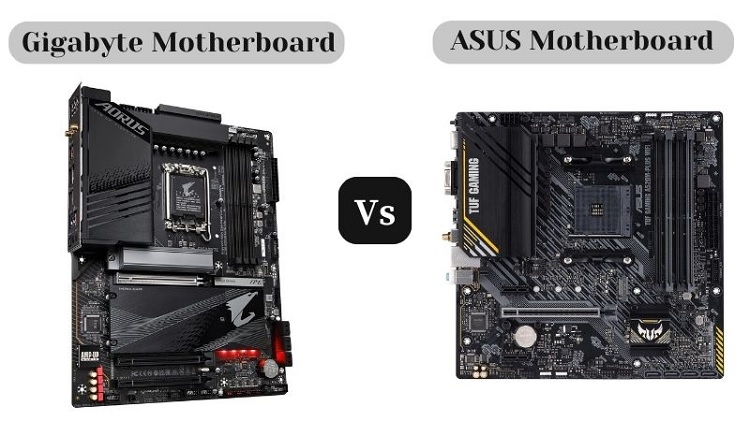
While the core functionalities of motherboards are similar across brands (ASUS, MSI, Gigabyte, ASRock, etc.), brand choice can indeed matter, particularly concerning reliability, BIOS features, software support, and aesthetics. Reputable brands generally offer better build quality, more stable BIOS updates, and superior customer support – crucial for busy gamers who don't have hours to troubleshoot. Some brands might have better VRM designs on their mid-range boards, or more user-friendly BIOS interfaces, which can simplify overclocking or fan control. While brand loyalty isn't essential, choosing a well-regarded manufacturer often translates to a more reliable and less problematic gaming experience. Always check recent reviews for specific models, as quality can vary even within a brand's lineup.
In conclusion, while your motherboard might not grab the headlines like a new GPU, it's undeniably the silent hero of your gaming PC. The answer to 'does motherboard make a difference in gaming' is a resounding yes, because it provides the essential framework for all your high-performance components to operate optimally. From ensuring stable power delivery to offering crucial connectivity and future-proofing your system, a well-chosen motherboard safeguards your investment and enhances every gaming session. By understanding the key features and making informed decisions, you can build a stable, powerful, and upgrade-friendly rig that lets you relax, have fun, and enjoy your games without frustration. What's your biggest gaming challenge when it comes to hardware? Comment below!
FAQ Section
Does a more expensive motherboard improve FPS?
Generally no, a higher price primarily brings more features, better power delivery, and connectivity, not direct FPS gains. More expensive boards often offer superior VRMs, more advanced chipsets, and better cooling solutions, which contribute to system stability and overclocking potential, indirectly allowing your CPU and GPU to maintain peak performance without throttling.
Can a bad motherboard bottleneck my CPU or GPU?
Yes, an inadequate motherboard, particularly one with weak VRMs, an outdated chipset, or older PCIe slots, can absolutely prevent your CPU or GPU from reaching its full potential. This can lead to CPU throttling, limited bandwidth for your graphics card or fast SSDs, and overall system instability, effectively bottlenecking your high-end components and impacting gaming performance.
What is the ideal chipset for gaming in 2026?
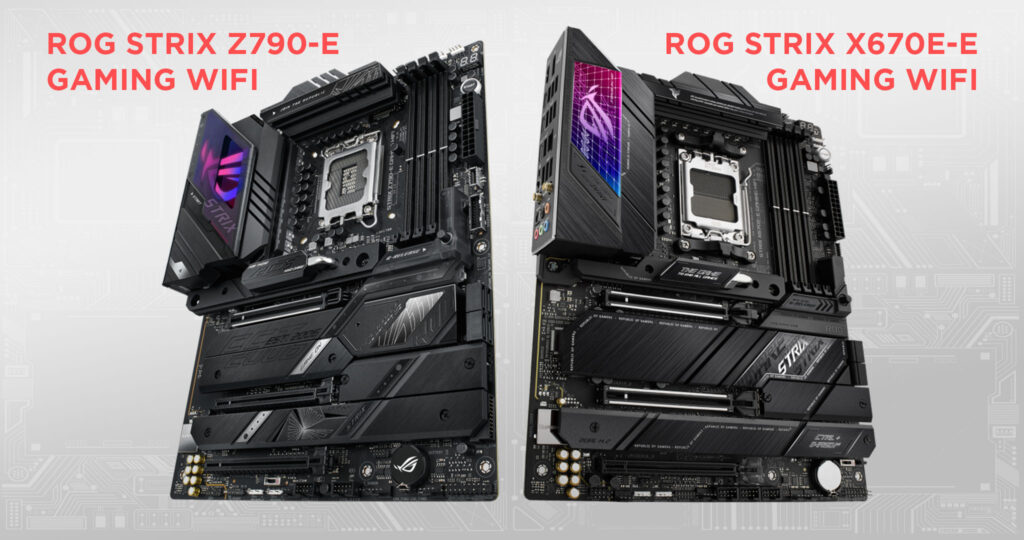
For Intel, enthusiasts often look for Z-series chipsets (e.g., Z790/Z890) for overclocking and maximum features, while B-series (B760/B860) offers a great balance of performance and value. For AMD, X-series (X670E) targets high-end builds with extensive connectivity and overclocking, while B-series (B650E) provides excellent all-around gaming performance for the majority of users, balancing features with cost.
Do I need Wi-Fi 7 on my gaming motherboard?
While Wi-Fi 7 offers bleeding-edge speeds and lower latency, Wi-Fi 6E is still exceptionally fast and reliable for most gamers, especially if you have a compatible router. Wi-Fi 7 is beneficial for users with Wi-Fi 7 routers who demand the absolute fastest wireless connection for large downloads, cloud gaming, or extremely low-latency competitive play. For many, Wi-Fi 6E provides sufficient performance.
How often should a gamer replace their motherboard?
Typically, a motherboard is replaced less frequently than other core components. The main reasons for replacement are when you're upgrading your CPU to a newer generation that requires a different socket type, or when you need crucial new technologies like faster PCIe generations (e.g., PCIe 5.0) or newer RAM standards (DDR5) that your current board lacks. Otherwise, a good motherboard can last for several years.
Are RGB motherboards better for gaming?
RGB lighting on a motherboard is purely an aesthetic feature and has no impact whatsoever on gaming performance, FPS, or system stability. It allows for visual customization and synchronization with other RGB components in your PC build. Choose an RGB motherboard if you enjoy the visual flair and want to personalize the look of your gaming rig, but it offers no functional advantage for gameplay.
Motherboard role in gaming: foundational for stability, power delivery, future-proofing, and enabling full potential of CPU/GPU/RAM. Not direct FPS but critical for a seamless 2026 gaming experience. Key features include VRMs, PCIe 5.0, DDR5, and connectivity.
35


Check Out The Latest ROG Gaming Gear Revealed At CES 2026 . Why More Gamers Are Switching To PC Gaming Best Gaming PC 2025 1 . Best Gaming In 2026 These Are The AMD And Intel Mobos I D 1920 80 . Does Motherboard Matter For Gaming Performance Motherboard For Gaming Pcs In 2026.webp. Does A Motherboard Make A Difference In Gaming At Cameron Malone Blog Difference Between Regular And Gaming 915x767

Best AMD AM5 Motherboard 2024 Best Am5 Motherboard . 7 Best For Gaming Video Editing 2026 MSI Gigabyte . Does Motherboard Matter For Gaming Performance Best For Gaming . Best For RTX 5060 Ti In 2026 Our Top Picks PC Guide Best AM4 Motherboard . 5 Best Gaming For 2026 Ultimate PC Builds YouTube Hqdefault


Standard Motherboard Vs Gaming Motherboard What S The Difference Bjvdjb 768x485 . Best 2026 For Gaming Streaming Editing One Board For . 7 Best Gaming Of 2026 Top Gaming 2025 768x432 . Asus Unveils 9 New X870 At Gamescom 2024 For AMD S Latest . How To Choose The Right Motherboard For Gaming 2026 Guide How To Choose The Right Motherboard For Gaming 2026 Guide 1024x576
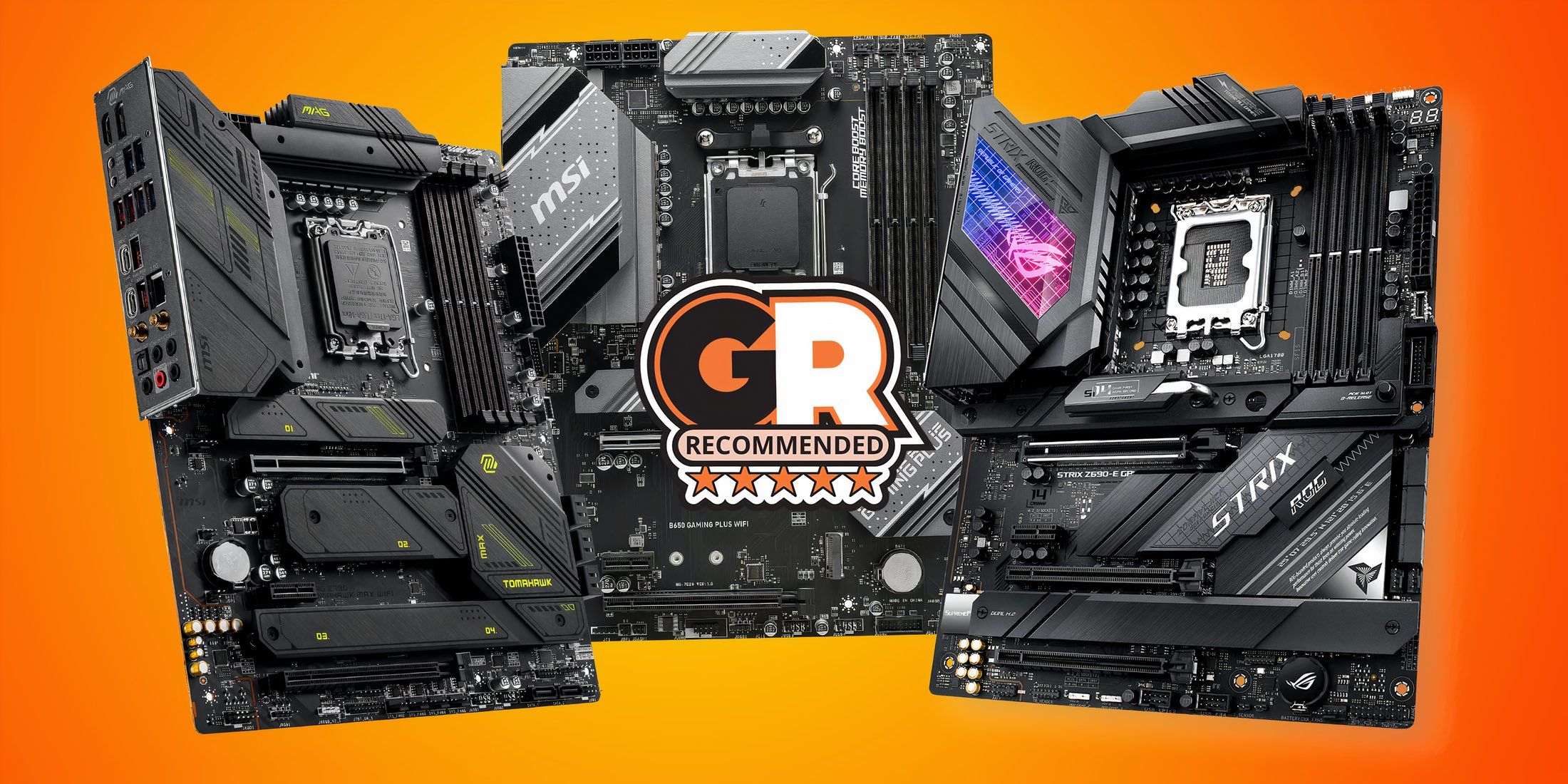
What Does A Motherboard Come With Complete Guide 2025 Best Gaming . Does Apple Make TVs The Complete Answer 2026 Best Intel Z890 . Coverage PC Gamer 1200 80 . Gigabyte Vs ASUS Motherboard Comparison What Is The Difference Which Gigabyte Vs ASUS Motherboard Which Is Better . Best PC Cases In 2024 Best Budget Intel 2
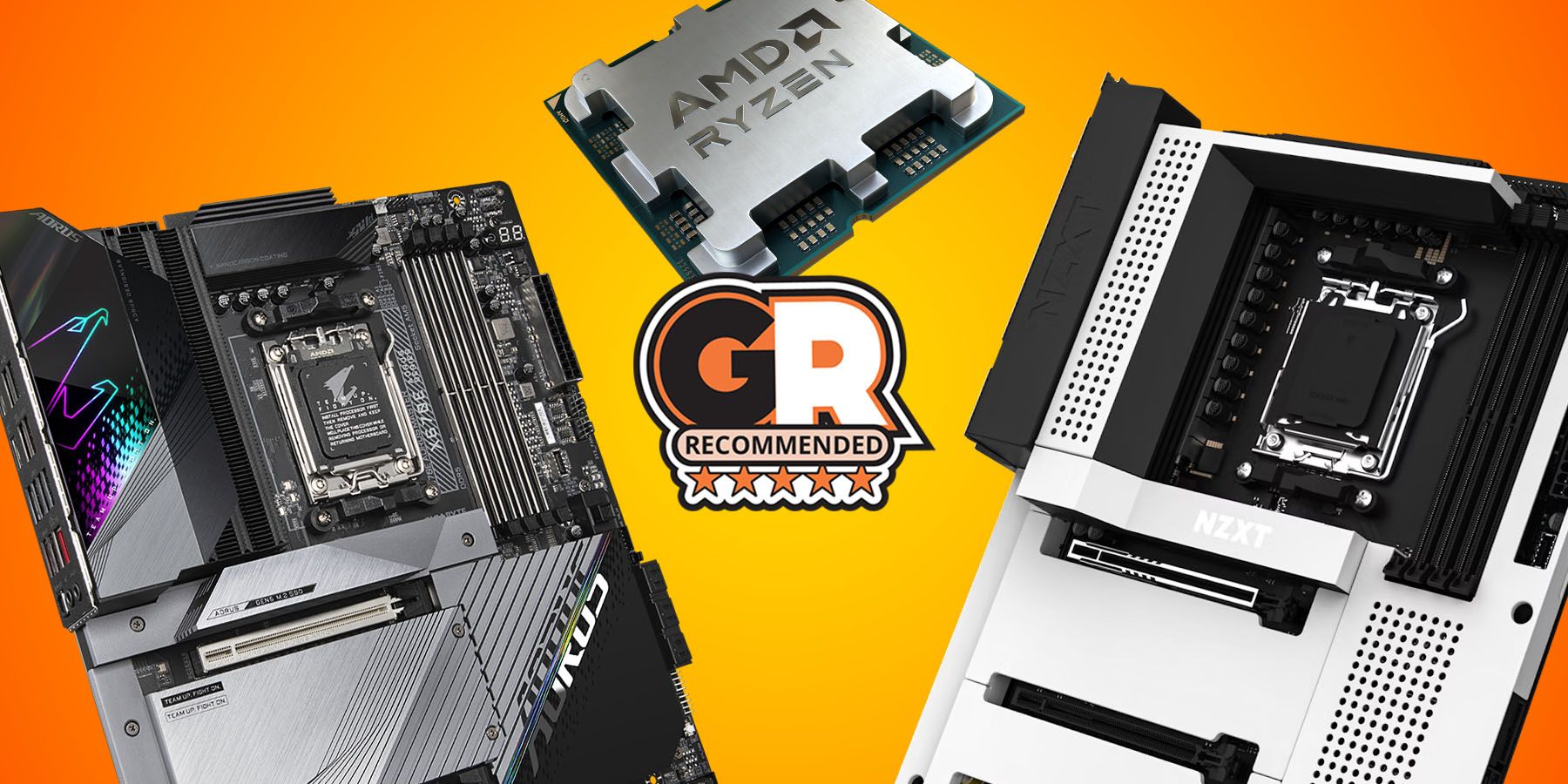
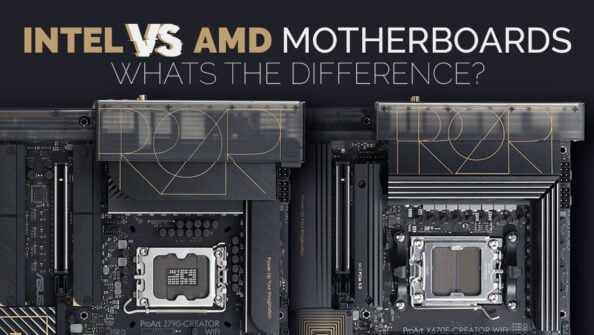
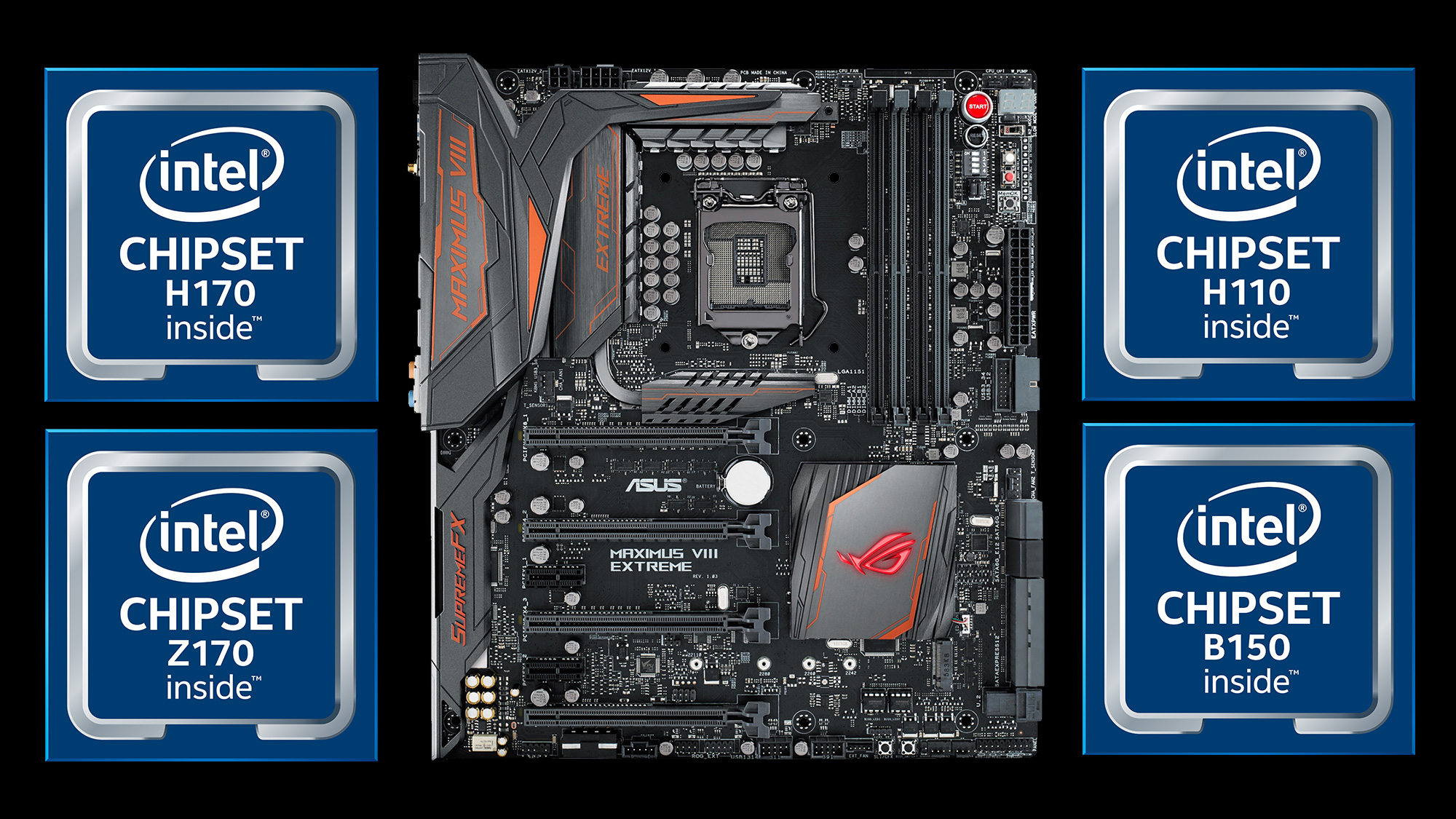

Best AMD For Gaming In 2024 Best Amd Ryzen 9 7950x3d Msi Asus Gigabyte Gamerant Deals 2 Thumb 1 . What Is A Motherboard S Chipset And Why Does It Matter Whats The Difference Between An AMD And Intel Motherboard Twitter 594x335 . Does A Motherboard Make A Difference In Gaming At Cameron Malone Blog . Does A Motherboard Make A Difference In Gaming Level Up Your Gaming Gaming Motherboard For Your Setup . What Is Motherboard Types Functions Features And Importance SimiTech Types Of

5 Best Motherboard For Gaming Best Gaming Motherboard 2026 YouTube . Does A Motherboard Make A Difference In Gaming Level Up Your Gaming Screenshot 2020 10 03 12.35.30 . Best Gaming In 2024 PC Gamer 970 80 . Do Affect Gaming Performance UK 230126 Top 5 For Gaming 300x300 . Best 2026 For Gaming By Socket And Chipset Tom S Hardware

Does Motherboard Matter For Gaming Let S Find Out Motherboard Game . Computer Basics Motherboard EVidhya Motherboard Diagram. Do I Need A New Motherboard 7 Things To Consider A Budget Motherboard . What S The Difference Between An AMD And Intel Motherboard Intel Vs AMD 1024x540 . Does A Motherboard Affect Gaming Performance PC Builds On A Budget Does A Motherboard Affect Gaming Performance